Two ways to use this template
- 1. Click "Copy prompt" below
- 2. Paste into Cursor, Claude Code, Codex, or any coding agent
- 3. Your agent builds the app — it asks questions along the way so the result is exactly what you want
Follow the steps below to set things up manually, at your own pace.
Vacation Rentals Operations Console
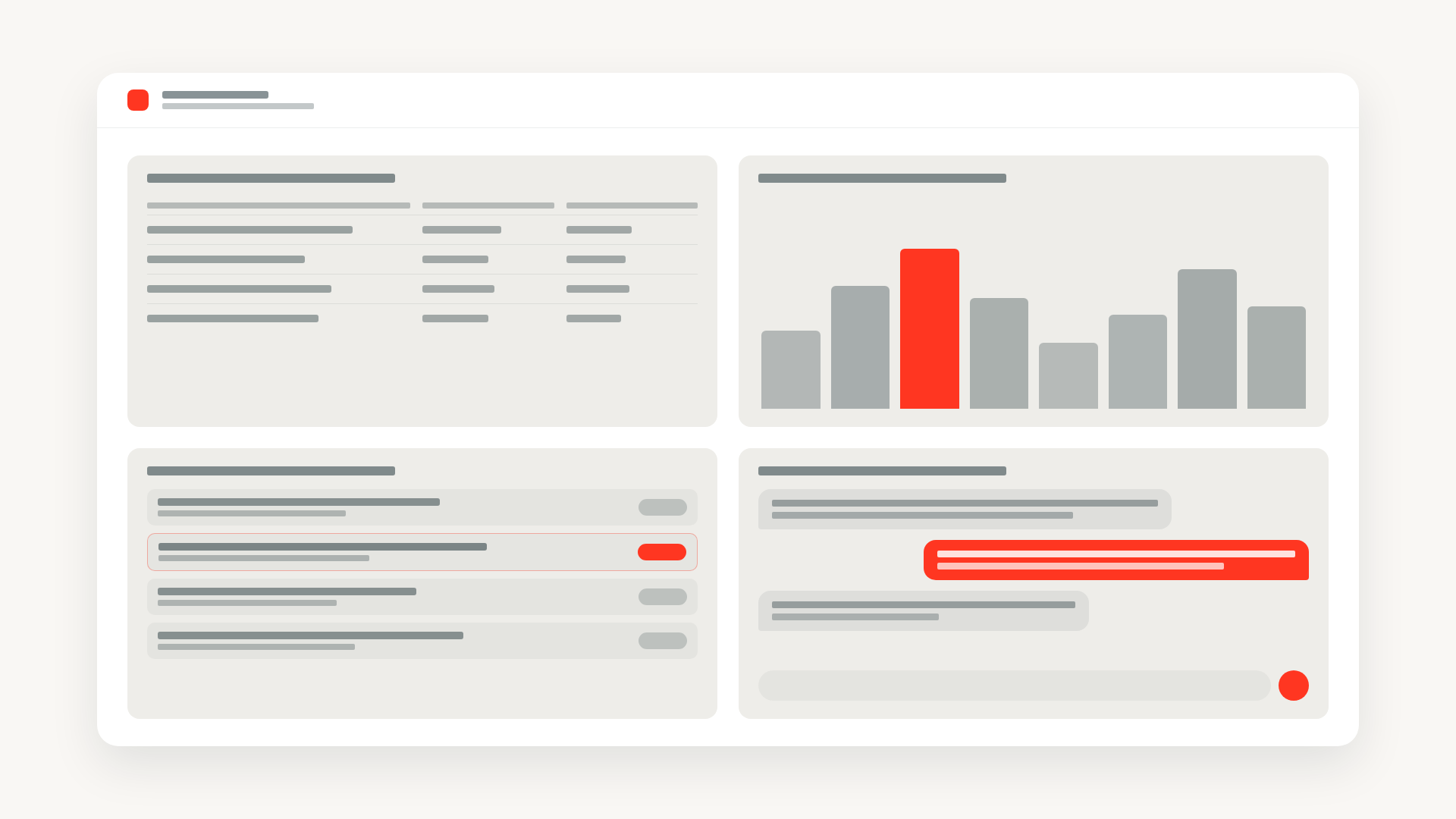
Vacation rental ops dashboard with revenue analytics from a SQL Warehouse, a booking queue with Lakebase-backed flags and agent notes, and an embedded Genie chat panel.
Includes a working starter app
Real, runnable code lives on GitHub. When you copy the prompt above, your coding agent clones it as the starting point and adapts it to your data and use case.
examples/vacation-rentals/template/Vacation Rentals Operations Console
This template demonstrates an internal operations console for a vacation rentals platform ("Wanderbricks"). Operators see revenue performance by destination, work through a booking queue with per-booking flags and agent notes, and ask natural-language questions about the business through an embedded Genie chat panel.
Data Flow
The app composes four Databricks primitives behind a single React UI:
- SQL Warehouse runs analytics queries (revenue by destination, single booking detail) over the seeded
samples.wanderbricks.{bookings,properties,destinations,reviews}tables. Queries live inconfig/queries/*.sqland are executed through the AppKitanalyticsplugin. - Lakebase Postgres stores operator-owned state in the
app.booking_flagsandapp.booking_notestables. The Express server creates the schema and tables on startup and exposes CRUD routes for flagging bookings and adding agent notes. - Genie Space ("Wanderbricks") is configured over the booking, property, and destination tables. The AppKit
genieplugin embeds a chat panel so users can ask spend, occupancy, and rating questions in natural language. - Databricks App ties it together: an Express + AppKit server, a Vite/React/Tailwind client, deployed via a Databricks Asset Bundle that declares the SQL warehouse, Genie space, and Lakebase database as app resources.
What to Adapt
Setup, environment variables, and bundle deployment are documented in the repository's template/README.md.
To make this template your own:
- Source data: Point the analytics SQL files at your own catalog and schema instead of
samples.wanderbricks.*. Adjust the joins to match your booking, property, and destination model. - SQL Warehouse: Set
sql_warehouse_idindatabricks.ymlto the warehouse you want the app to query. - Lakebase: Replace
postgres_branchandpostgres_databasewith your own Lakebase project, branch, and database. Theapp.booking_flagsandapp.booking_notestables are created automatically on first run. - Genie Space: Create a Genie space over your booking tables and set
genie_space_idandgenie_space_nameindatabricks.yml. - Domain wording: The UI is themed around vacation rentals (destinations, bookings, agent notes). For other operations consoles (logistics, support, partnerships), rename the routes and components and re-point the analytics queries — the Lakebase + Genie + analytics scaffolding stays the same.
Built on these templates
This example's codebase and the agent prompt above both build on top of the templates below. Open one to dive into a specific technique on its own or apply it to a different project.
Wire up a Databricks App with Lakebase for persistent data storage. Includes schema setup and full CRUD API routes.
Embed a Databricks AI/BI Genie chat interface so users can explore data through natural language. Configure a Genie space, wire up server and client plugins, declare app resources, and deploy.