




For Developers
Pick a template, paste it into your coding agent, and describe what you want. Database, AI models, and deployment are handled. You focus on your app.
Copy the prompt into Cursor, Claude Code, Codex, or any coding agent —
it will walk you through building a complete app, step by step.
How the prompt works
Four steps from an empty folder to a live Databricks app. Here's what the prompt does when you paste it into your coding agent.
01Copy
One click copies everything your coding agent needs to build and deploy on Databricks.
02Paste
Navigate to your projects folder (e.g. ~/projects), open your coding agent, and paste the prompt. It creates a new directory for your app and sets everything up inside it.
03Build
Your agent scaffolds the app, provisions whatever it needs, and iterates on the UI — all guided by your answers.
04Ship
Once you're ready, just tell your agent to deploy — it ships your app to Databricks Apps. You get a live URL under your workspace, with data governance and authentication built in.
●Templates
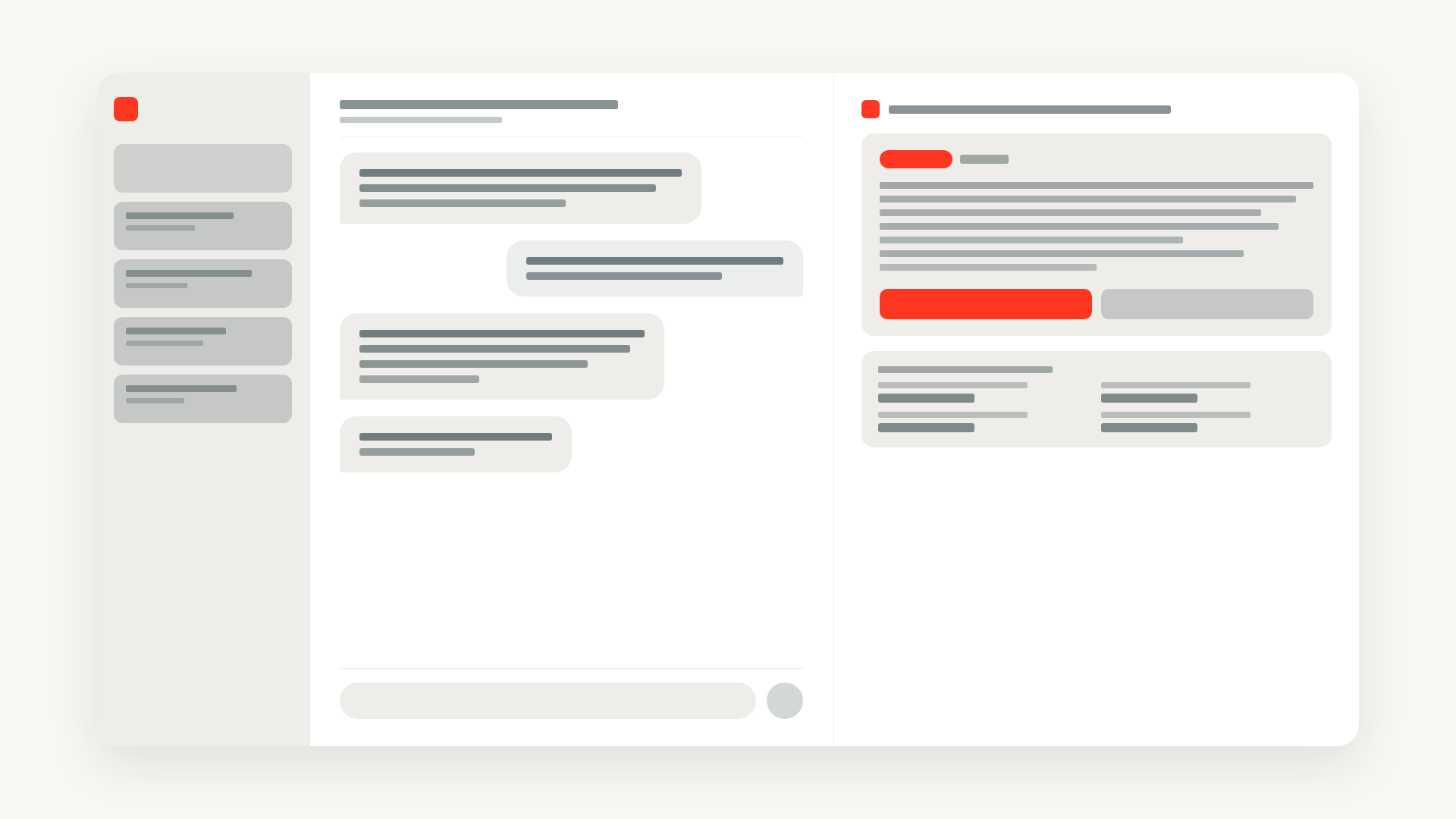
Browse templates for inspiration, or use one to hit the ground running. Every template is a prompt you can paste into your agent.
Pick a template, paste it into your coding agent, and describe what you want. Database, AI models, and deployment are handled. You focus on your app.
Every app and agent runs inside your Databricks environment. Unity Catalog governs access to data, models, and endpoints. Learn more.